
When it comes to development, using artificial intelligence has become almost indispensable, as the latest models are so impressive at helping you to develop functions, correct bugs or create modern interfaces.
Launched in 2023, Cursor is a very practical code editor for making full use of AI in your code. But paying €20 to €60 a month for a single tool is a lot, especially when you already have other subscriptions.
Here’s a simple tip for paying less for your Cursor subscription!
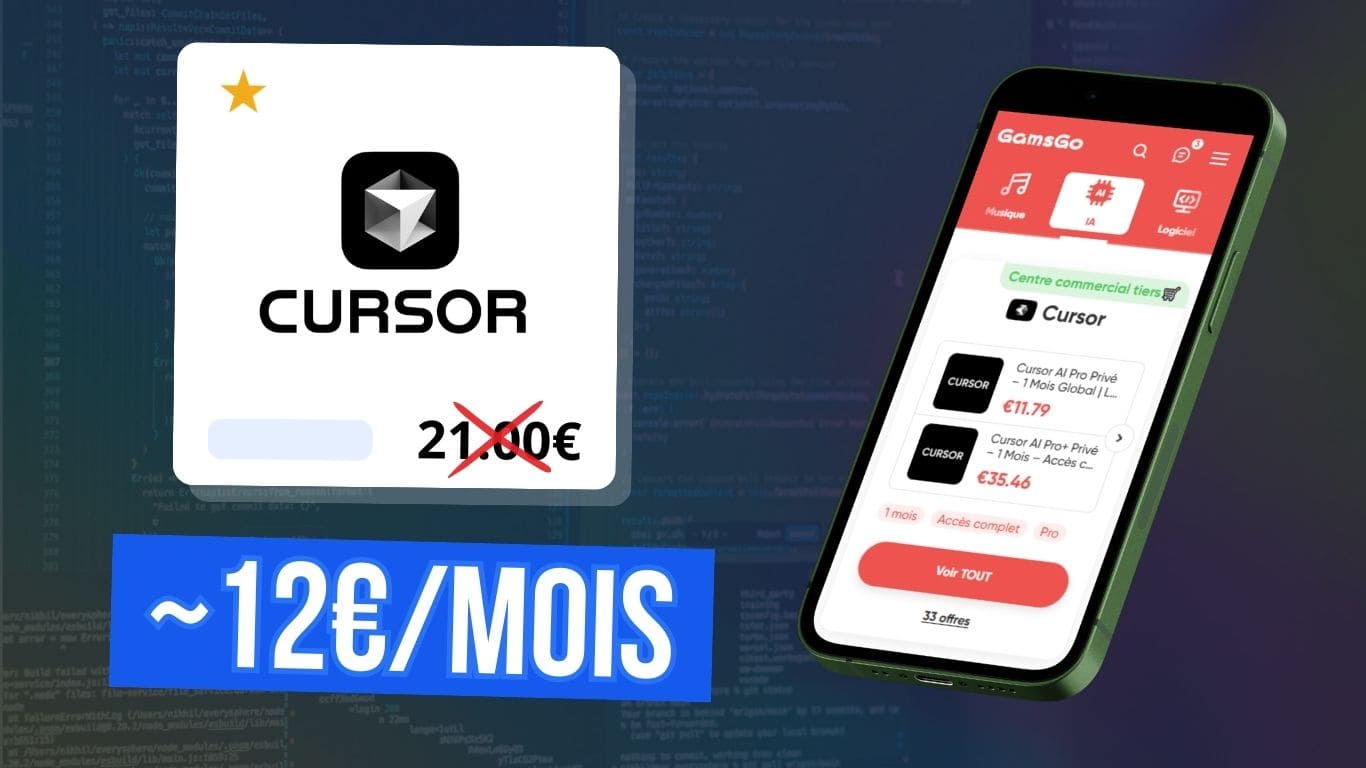
GamsGo is a platform that provides access to premium subscriptions at reduced prices.
5% extra discount with my coupon code :budgenie
What is Cursor used for?
If you’re already familiar with GitHub Copilot or Visual Studio Code, you can pretty much see the idea behind Cursor, which is a code editor that integrates AI at the heart of its working environment.
Cursor is an IDE (Integrated Development Environment): instead of a simple ‘classic’ editor, it understands your project and helps you write, correct or refactor code much more fluidly.
So unlike the conversational AI interface we’re all familiar with (where you paste code into a chat window to get a response), here everything is done in the editor. The AI is natively integrated into an interface designed for coding.
The aim is to save time and make the working environment more ergonomic and comfortable.
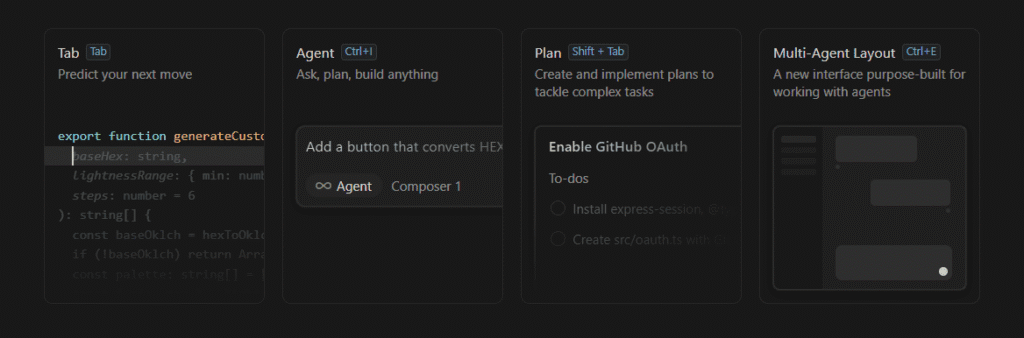
With Cursor, you can :
- Generating code from simple instructions is known as vibe coding 😎
- Fix bugs simply by pointing them out
- Refactoring an entire project to improve quality and simplify structure
- Get clear explanations of portions of the code or even how the whole thing works, which is really useful if you’re just starting out or if you’re taking over an old project.
How much will Cursor subscriptions cost in 2026?
Here’s a clear table with Cursor’s main plans in 2026, their prices and what you’ve really got in there 👇
| Plan | Monthly price | Features |
|---|---|---|
| Hobby | 0 (free) | You can use Cursor without paying, but with limits on AI queries and code suggestions. It’s perfect for testing the tool or for occasional projects. |
| Pro | 20/month | This is the basic plan that most devs take for extended limits on the various functionalities and larger AI contexts. |
| Pro+ | 60/month | This level gives more AI credits each month with 3× higher quotas on all the main models: Claude, Gemini, OpenAI, etc. |
| Ultra | 200 / month | Ideal for intensive use, with 20× more uses on IA models and priority access to new functions |
| Teams | 40 / user/month | Team version: centralised billing, usage statistics, access control, etc. |
| Enterprise | Personalized | Customised offer with priority support, advanced user management and several pro integrations |
AI credits correspond to the number of requests you can send to the artificial intelligence models, so you use them up every time you ask them to generate a function, fix a bug or use an AI agent.
The higher your subscription, the more queries you have available and the more powerful models you can use without getting stuck along the way.
How can I pay less for Cursor?
The easiest way to pay less for Cursor is to use a subscription-sharing platform like GamsGo.

GamsGo offers a host of digital subscriptions (streaming, AI, software, etc.) including Netflix, ChatGPT, Spotify, Notion, CapCut, Freepik, etc.
The platform buys official subscriptions in countries where they cost less, then shares them between several users for a fraction of the price, each with their own access.
👉 For Cursor it’s access to a dedicated official account, so it’s not shared with other users!

- Cheapest subscriptions on the market
- + 100 platforms offered including Netflix, Spotify, Adobe, Disney+, YouTube Premium, etc
- Immediate access to accounts after purchase
- 24/7 customer support
free

I’ve been using this platform for over 3 years, mainly for my Spotify, Netflix and ChatGPT subscriptions, and in total I’ve saved over €500 compared to the official prices!
How does the Cursor subscription work on GamsGo?
GamsGo offers two formats for accessing a Cursor Pro or Pro + account:
1. GamsGo direct subscription
Subscribing to an account provided directly by GamsGo is the site’s historical formula and the one used for all the main subscriptions.
Advantages & disadvantages :
How does it work?
- First, you need to create a free account on GamsGo and then find the Cursor subscription in the AI section.
- You then configure your package: subscription duration, package (Pro or Pro+), etc.
To save even more and get the Cursor Pro package for €16.16/month, you can activate automatic renewal, which ensures that you keep the same account over time, and use my promo code: budgenie to get a little extra discount.
- You then make your secure payment and receive your access details directly in your personal space:
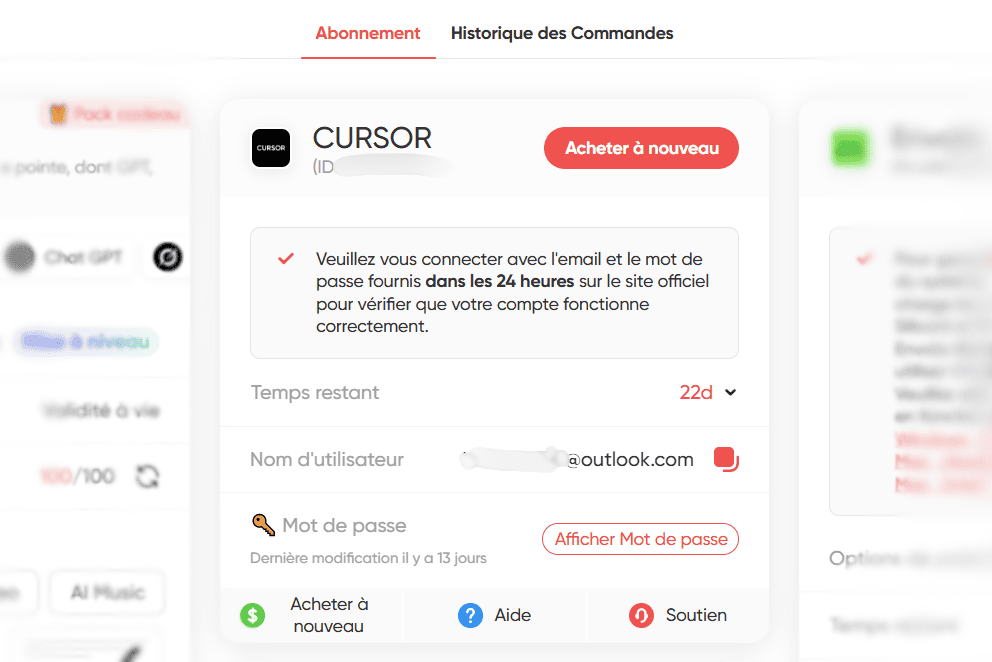
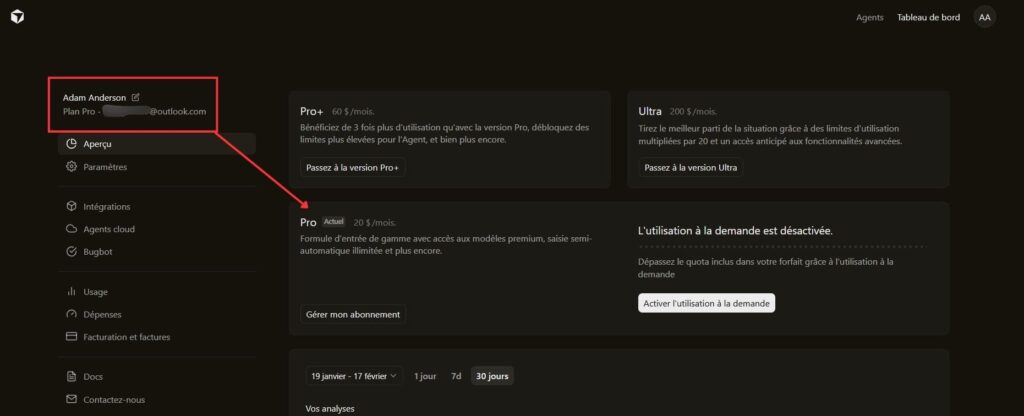
All that’s left to do is install the desktop application if you haven’t already done so to start your first project or take over an existing one 🙂
2. Subscription via the marketplace
The second option is to sign up for a shared account on the GamsGo marketplace. It works a bit like other sharing services such as BlaBlaCar or Vinted: you share from another user’s account, GamsGo supervises and secures the payment, provides a guarantee period and offers direct messaging with the account owner.
Advantages & disadvantages :
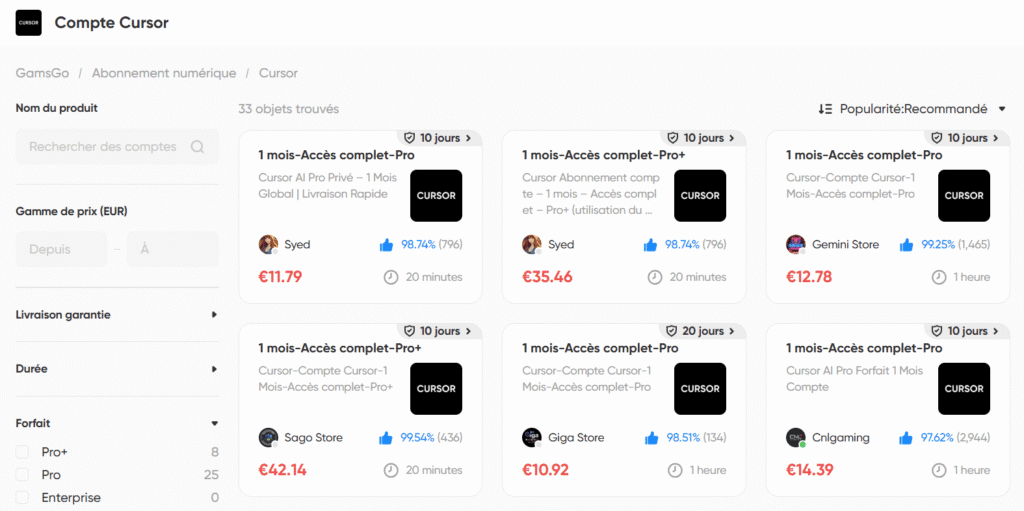
Other AI and subscriptions on GamsGo
While GamsGo is a convenient way to pay less for Cursor, the platform also includes many other popular subscriptions, especially in the world of AI, creative software and entertainment. In all, there are more than 70 subscriptions available (or even more with the marketplace):