
Choosing between audio quality and low price? Tidal allows you to dodge this question, as the audio streaming service offers one of the cheapest basic packages at €10.99/month. But if you’re looking for a way to get Tidal for even less, you’ve come to the right place!
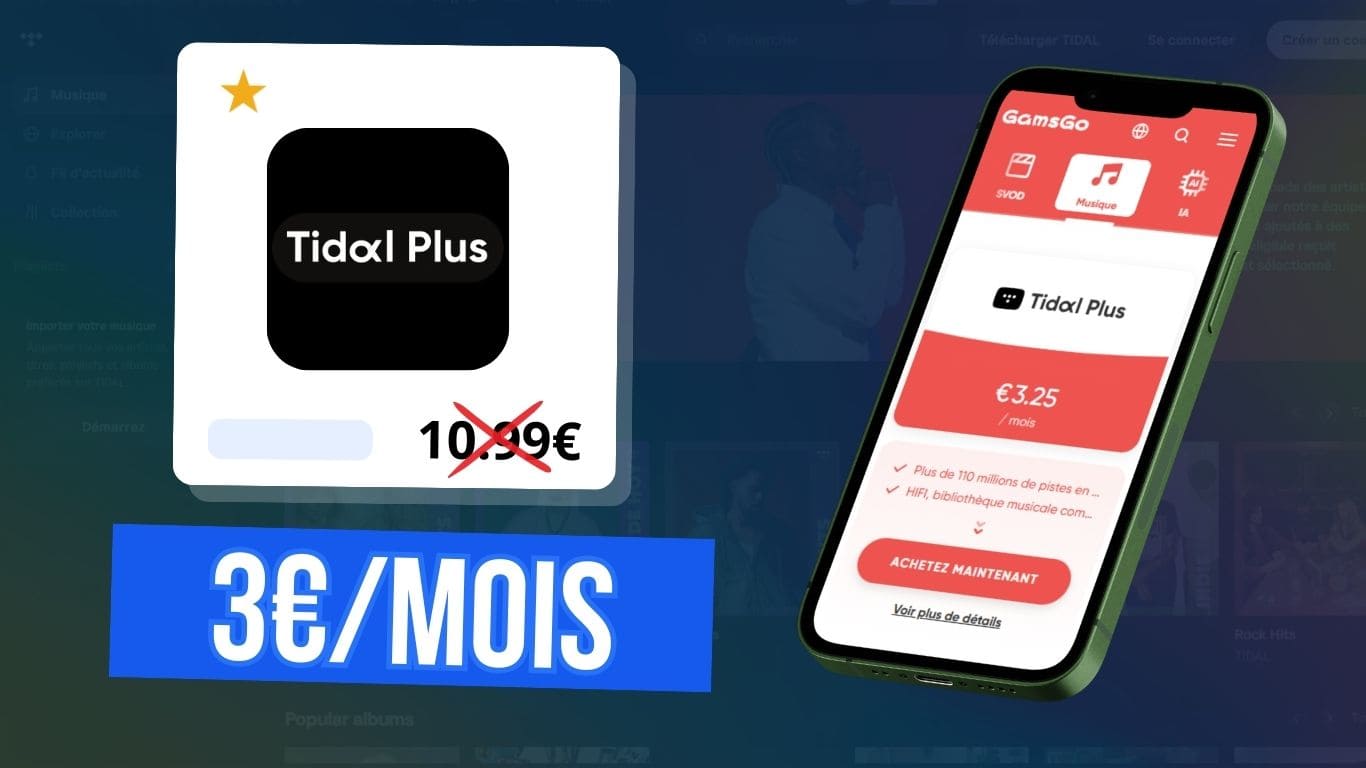
In this article, I’ll show you how to get cheap access to Tidal for as little as €3/month, while still enjoying the Premium features.
5% extra discount with my coupon code :budgenie
What are the advantages of a Tidal subscription?
Like most music streaming platforms, Tidal offers a free version. But it’s clearly limited, since you can only listen to extracts of just 30 seconds! So it’s not a viable option, but it does give you a chance to test out the platform and its features.
Upgrading to the premium version of Tidal means unlimited, ad-free listening. There’s also an offline mode and enhanced audio quality, with spatial audio and max power up to 24 bit, 192 kHz.
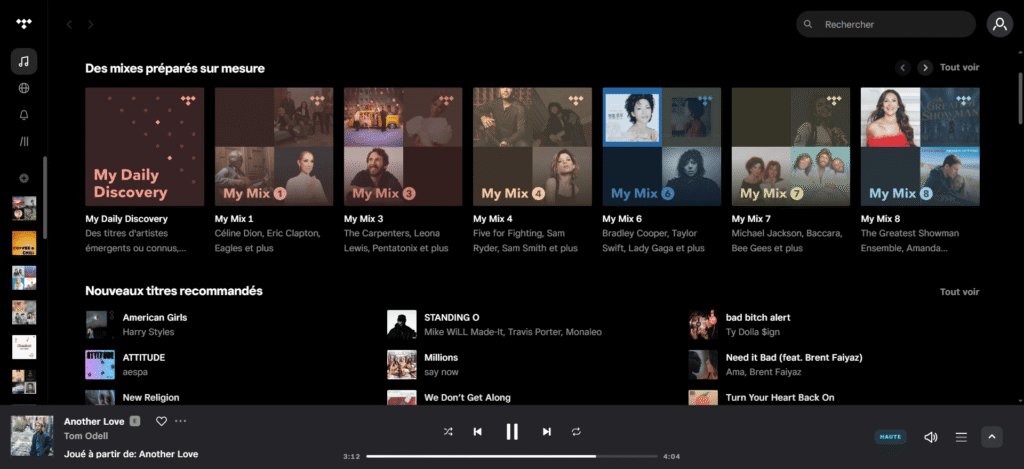
Beyond that, Tidal’s interface is very intuitive and, as with almost all platforms, the essential functions are there:
- personalised recommendations based on your musical tastes
- the ability to listen on mobile, computer, tablet or TV with Tidal Connect
- access to editorial playlists and news about your favourite artists
- upload your own audio tracks
- managing a playback queue, viewing live lyrics, etc.
With an estimated fee of €0.012 per stream, Tidal is considered to pay artists well. What’s more, its Spotlight program allows independent artists – and even you if you compose – to import a track and receive a reward of up to $1,000.
How much does a Tidal subscription cost?
The platform offers several packages depending on your profile (individual, student, family):
| Tidal subscription | Monthly price | Annual price |
|---|---|---|
| Tidal Individual | 10,99€ | 131,88€ |
| Tidal Family – 6 accounts | 16,99€ | 203,88€ |
| Tidal Student | 5,49€ | 65,88€ |
Tidal is offering a DJ Extension pack for an extra €9 per month for individual plans. This allows creators to save playlists and use them live via compatible software such as rekordbox or Serato.
Even if the price is broadly comparable to other music streaming platforms, paying more than €130 a year just to listen to music can quickly become a budget. That’s precisely why I’m sharing with you a solution for paying less for Tidal.
Get Tidal cheaper with GamsGo
The simplest and most economical solution is to use a subscription-sharing platform such as GamsGo.
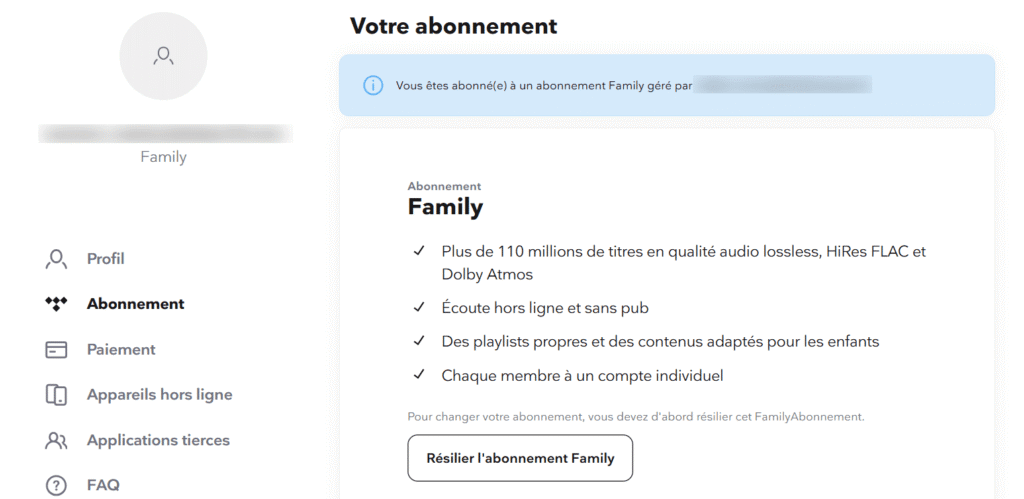
Instead of paying for a full subscription on their own, several users share a family subscription. The price is then divided between the different profiles, bringing the price of a Tidal subscription down to around €3 a month while retaining all the features of a Premium subscription, on a private Tidal account profile !
The advantage of using GamsGo is that everything is managed directly by the platform, rather than by an individual. It takes care of account management, access, secure payment and customer support in the event of a problem. So you don’t have to look for people to share your subscription with.

- Cheapest subscriptions on the market
- + 100 platforms offered including Netflix, Spotify, Adobe, Disney+, YouTube Premium, etc
- Immediate access to accounts after purchase
- 24/7 customer support
free
How the Tidal subscription works on GamsGo
Let me reassure you, we’re a long way from VPN methods. Here, subscribing on the platform is really very simple:
1. Create an account on GamsGo
The first step is simply to create your account on the platform. Registration is free and usually takes less than a minute. You can even log in using your Google account!
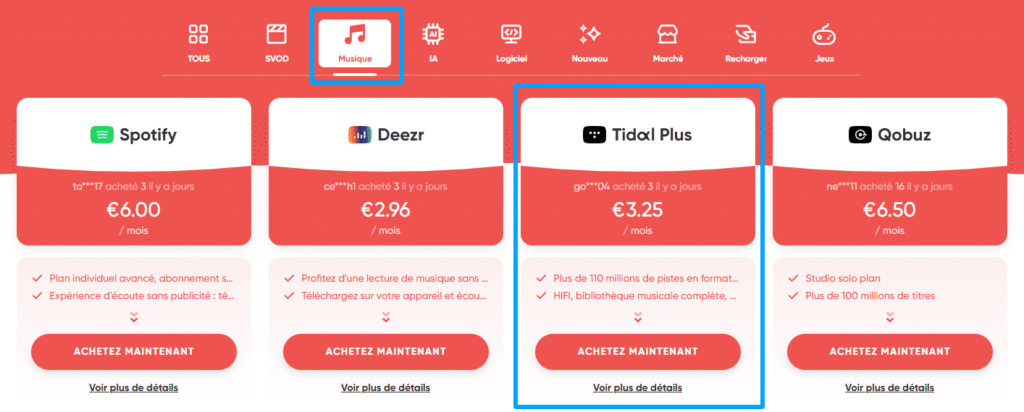
2. Search for your Tidal subscription
Once you’ve logged in, you can use the search bar or filter the Music section to find your Tidal subscription.
3. Choose the package that suits you
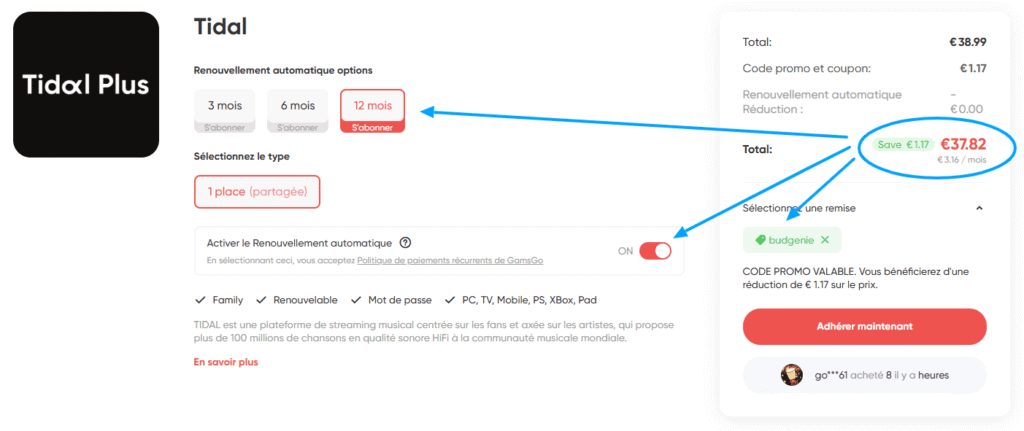
You can then select the subscription period you want and check the price. Here are 3 tips for getting the lowest price for Tidal and saving a few extra euros:
- choose a 12-month subscription, which generally costs less per month
- activate automatic renewal to obtain a small additional discount (note that this option can be withdrawn at a later date)
- use a promo code to save a few extra percent, sometimes GamsGo offers one, or you can use my code:
budgenie
4. Finalise secure payment
Once you have chosen your offer, all that remains is to proceed with payment. GamsGo offers several secure payment methods via credit card or Google Pay.
5. Receive your access codes and connect to Tidal
Once your order has been confirmed, you will receive your connection codes directly in your GamsGo space.
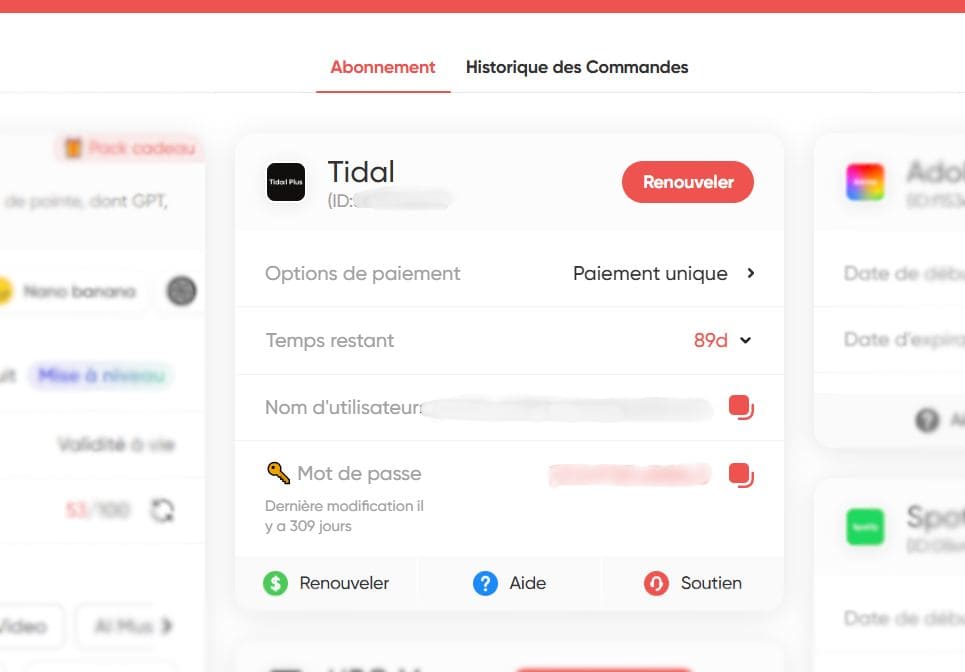
Then all you have to do is log on to the official Tidal app (or the platform’s web player) to start listening to your music with a Premium subscription.
Other tips for paying less for Tidal
Let’s look at the other ways you can pay less for Tidal. Even if they don’t offer the same discount as GamsGo, you can see if some of them seem more interesting to you, depending on your situation.
The Tidal student offer
If you’re a student, Tidal is offering a special discount, so you can get an individual subscription for half the price at €5.49/month instead of €10.99/month.
This offer is reserved for eligible students and requires verification of your status via a partner service. So it’s a good solution while you’re studying, but it doesn’t last forever.
Sharing a Tidal subscription with friends and family
Tidal’s Family offer lets you add up to 6 different accounts to the same subscription. By splitting the price between several people (family or friends), everyone can reduce the monthly cost.
The problem is that you have to get organised to manage payments and invitations, and make sure that no-one withdraws during the course, which can quickly become restrictive over time.
Why VPN is not the best solution
Using a VPN to pay less for your Tidal subscription means simulating a connection from another country to benefit from lower prices, as is often the case in Argentina or Malaysia, for example.
I wouldn’t recommend it for several reasons, firstly because using a good VPN represents an additional cost, you also need to know how to use it, and above all because several feedback reports claim that Tidal can block access to accounts subscribed via VPNs.

My experience with GamsGo
I’ve been using GamsGo for over 3 years for the majority of my subscriptions, mainly for Spotify, ChatGPT and Adobe. The value for money is very good, I’ve saved over €500 in total and have only had to deal with their customer service a few times, which has always helped me out!