
You may already be using QuillBot to rephrase text, correct mistakes or improve the quality of your content.
I’m in the same boat, and I simply can’t do without it now – it’s such a handy tool for everyday use! But as soon as you start using the paraphrasing tool or the AI detector regularly, you quickly hit the limits of the free version – just like any good tool!
If you’d like to access all the features of QuillBot Premium without paying the full price, I’ll show you how to get QuillBot for as little as €5.80 a month using a simple solution that I also use for several other subscriptions.
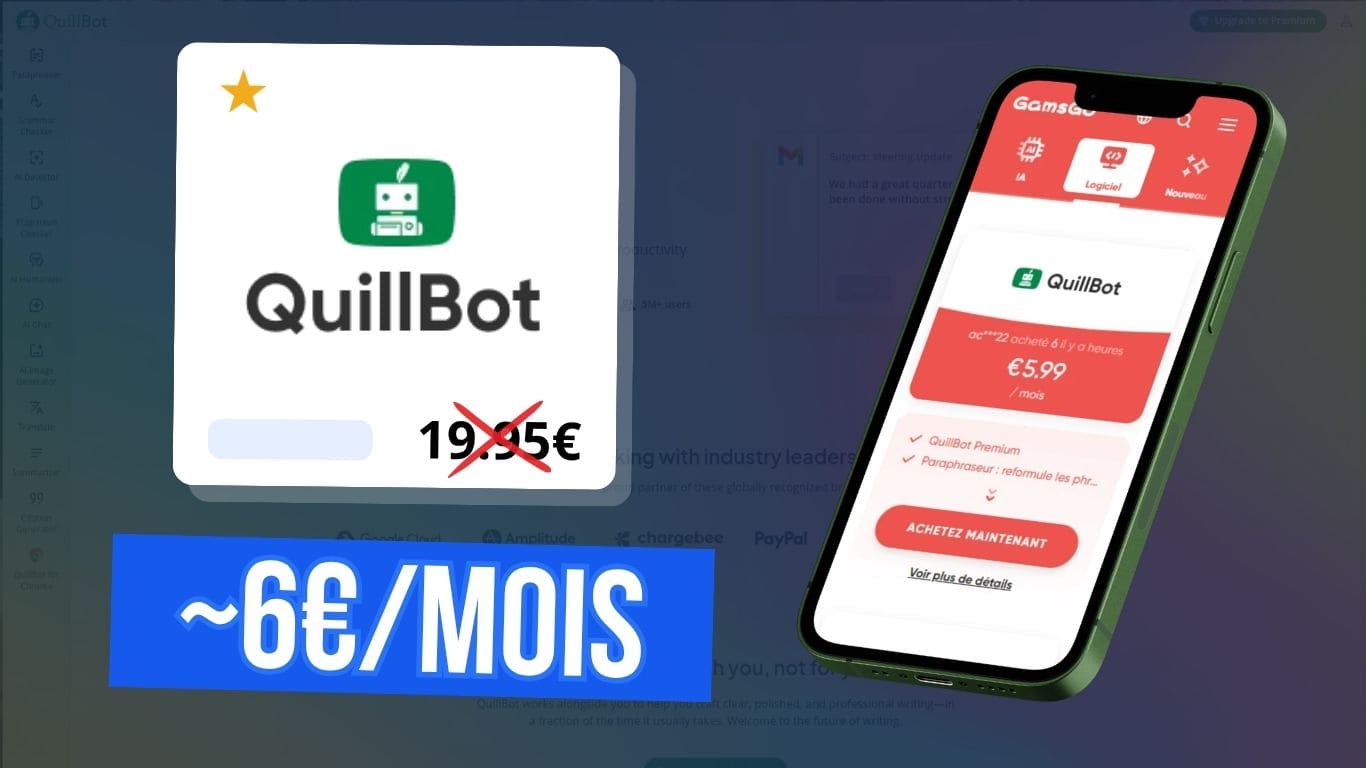
QuillBot Premium with over 50% off: a simple way to enjoy advanced features with no commitment.
An extra 5% off with my promo code:budgenie
What is Quillbot used for?
QuillBot is an AI-powered writing assistant. It is best known for its paraphrasing tool, which can rephrase text whilst retaining its meaning.
Originally used by students to rephrase their academic work, QuillBot is now used by over 5 million users: web editors, freelancers, content creators, entrepreneurs, or simply people keen to avoid making mistakes 😉
The aim is simple: to save time when writing, whilst improving the quality and flow of your writing.
Quillbot’s features
QuillBot is no longer limited to simply rephrasing text. The platform now offers a range of tools designed to support the entire writing process.
The main advantage over using other AI tools such as ChatGPT or Claude is that QuillBot integrates directly with your browser and writing tools (Chrome, Safari, Edge, Android, Windows, Mac, etc.).
This means you can reword, correct or improve your text in real time in Google Docs, Microsoft Word, your emails or even online forms, without having to copy and paste your content into an external tool.
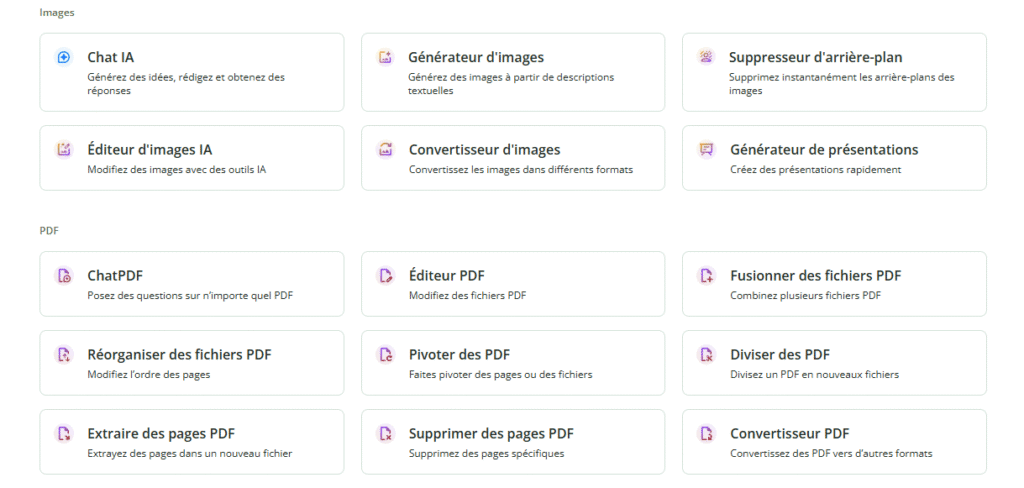
There are still loads of handy tools that QuillBot brings together for our benefit, such as the QuillBot Design presentation generator – which rivals Canva – the QR code generator, the image converter, the background remover, the PDF editor (merge, split, extract, delete pages), and so on.
Quillbot subscription plans
QuillBot offers a free version providing access to the basic tools, subject to certain limits, as well as a Premium subscription with all the advanced features described above and higher limits.
| Features | Free map | Premium Plan |
|---|---|---|
| Using the paraphrasing tool | <125 words | Unlimited |
| Types of paraphrase | 2 modes | 9 modes |
| Advanced writing tips | ❌ | ✔️ |
| Using the translator | <5,000 characters | Unlimited |
| Using the summary | <1200 words | <6,000 words |
| Plagiarism detector | ❌ | ✔️ |
| Processing speed | Normal | Fast |
| Priority support | ❌ | ✔️ |
| AI presentation and image generator | 3 per day | 300 per month |
How much does QuillBot Premium cost?
QuillBot offers three Premium subscription plans: monthly, quarterly and annual. The longer the subscription period, the lower the monthly rate.
| Formula | Price | Discount granted |
|---|---|---|
| Monthly payment | €19.95/month €239.40 per year | 0 % |
| Quarterly payment | €13.31/month €159.7 per year | 33 % |
| Annual payment | €8.33/month €99.95 per year | 58 % |
Even with the annual subscription, it costs around €100 a year and you’re tied in for 12 months. That’s precisely why I’m sharing some ways for you to get QuillBot Premium more cheaply.
How can I pay less for QuillBot?
How to use a QuillBot promo code
The first option is to look for a QuillBot promo code. The following code offers an extra 30 per cent off an annual subscription:
WELCOME30
The downside is that it can only be used once a year, so you have to commit to 12 months right from the start!
Use the GamsGo platform
My favourite solution, which combines a no-commitment QuillBot subscription for less than €6 a month, is to use GamsGo, a platform specialising in subscription sharing that offers cheaper accounts for over a hundred popular subscriptions!

In terms of savings, we’re still talking about 71% less than the equivalent no-commitment subscription on QuillBot, which costs €19.95 a month.
Access provided by GamsGo is via an official Premium account on QuillBot, so you do indeed retain all the Premium features!

- The cheapest subscriptions on the market
- 100+ platforms including Netflix, Spotify, Adobe, Disney+, YouTube Premium, etc.
- Immediate access to accounts after purchase
- 24-hour customer service

How does the QuillBot subscription work on GamsGo?
1. The first step is simply to create a free account on the platform. Signing up takes less than a minute and can be done using a Google account.
2. Once you’ve logged in, simply search for QuillBot amongst the available subscriptions and then choose the subscription length that suits you.
3. Set up your plan by choosing between a private or shared account, depending on how you intend to use QuillBot.
Here are a few tips for getting extra discounts on your QuillBot subscription:
- The shared plan is the cheapest
- Enabling automatic renewal saves you €1, and you can disable this option at a later date
- Use my promo code to get an extra 2–5 % off:
budgenie
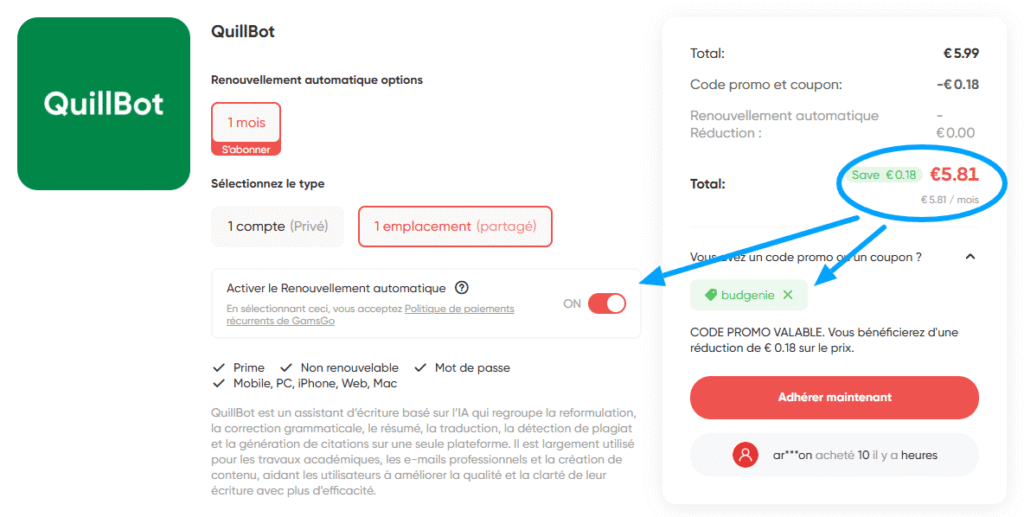
4. Once your order has been confirmed, you will receive your login details straight away via your GamsGo customer account under the ‘Subscriptions’ section.
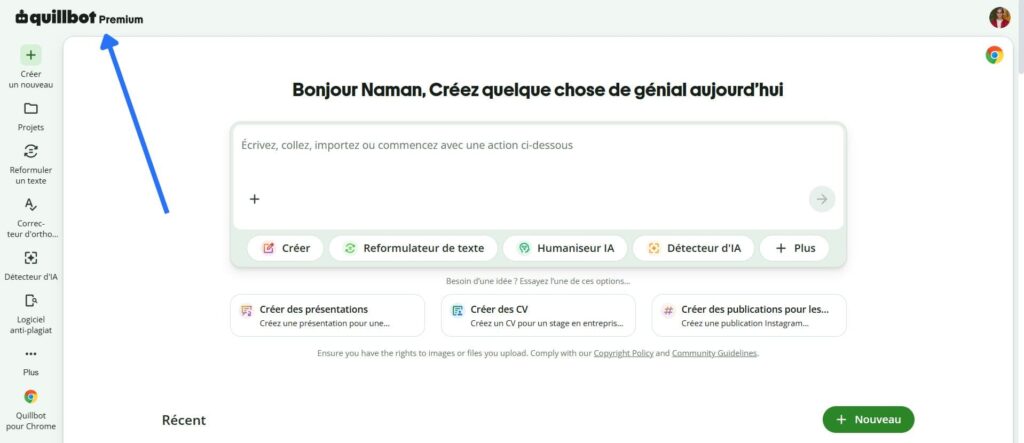
All you need to do now is log in to QuillBot using the login details provided to enjoy all the Premium features.

The GamsGo platform is absolutely brilliant – I’ve been using it for over three years now for several of my subscriptions and I’m really happy with it, having saved several hundred euros, particularly on my Spotify and ChatGPT subscriptions!
What are the alternatives to Quillbot?
Whilst QuillBot is currently one of the most popular tools for rephrasing and correcting text, there are several interesting alternatives:
- Grammarly offers features very similar to those of QuillBot: rephrasing, grammar correction, translation and the detection of AI-generated content. The tool is now available in French, but its Premium subscription is significantly more expensive, costing nearly €30 a month.
- LanguageTool, meanwhile, specialises in checking spelling, grammar and style. It helps to improve the clarity and flow of texts through real-time suggestions. Long known for its generous free version, the tool now reserves most of its advanced features for its Premium subscription, which costs around €19.90 per month – a price similar to that of QuillBot.
FAQ – Quillbot at a lower price
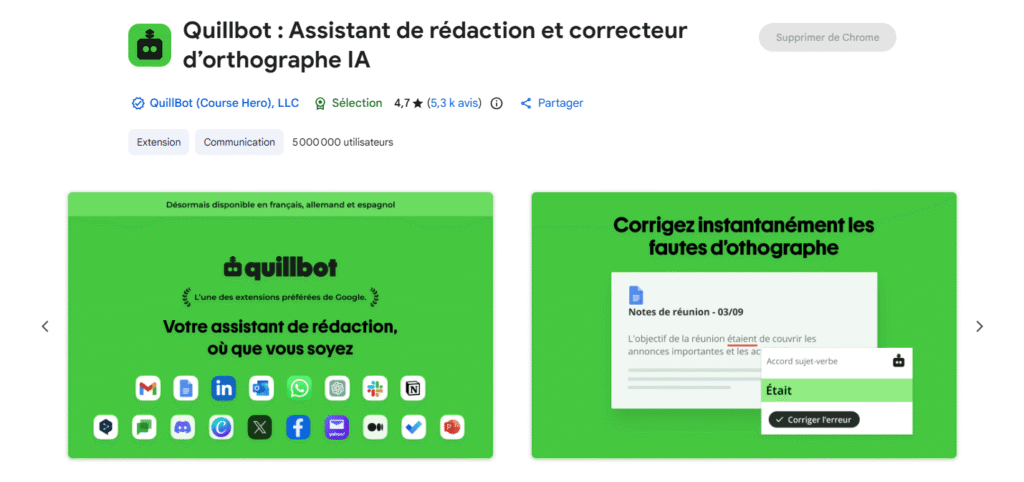
With over 5 million users and a 4.8☆ rating based on more than 13,000 reviews on Trustpilot, QuillBot is an excellent everyday assistant – its effectiveness is well established!
The free version of QuillBot allows you to explore the tool’s main features; free accounts include:
- 2 modes: Standard and Smooth
- 3 synonym settings
- Paraphrase up to 125 words
- Summarise to a maximum of 1,200 words
- 20 AI chatbot requests per day
- 3 generations of images per day
- 3 generations of AI presentations a day
If you’re just using it to correct mistakes in texts that aren’t too long, the free version might even be enough.
It all depends on how you intend to use it. If your main aim is to correct spelling and grammar mistakes, LanguageTool is an excellent resource, particularly for texts in French.
QuillBot, on the other hand, is more comprehensive, offering tools that go much further: presentation and image generation, an AI-generated content detector, an automatic summariser, a plagiarism checker, and so on.
GamsGo also helps to reduce the cost of more than 70 other popular subscriptions, particularly in the fields of streaming, AI and content creation, but that’s not all:
Yes, once you’ve logged into your QuillBot Premium account, you can use it via the website – generally speaking, through your web browser – as well as on the mobile apps available for Android and iOS.
This means you can access the same features across all your devices using the same account, allowing you to reword or correct a text from a computer, smartphone or tablet.